 Orby
YOUR WINDOWS DESKTOP
A Windows notch app.
Without needing a notch.
Keep small daily tasks in a movable desktop orb. Open Orby for your tools, then close it with one useful activity still in sight.
$19.99 USD, one time on the website and Gumroad. Direct licenses cover up to three active PCs.
What is a Windows notch app?
A notch style utility puts compact controls near your work instead of spreading them across several windows. Orby brings that idea to Windows as an animated orb that you can move and resize. Your screen does not need a camera cutout or any special display hardware. It runs as a desktop app on a compatible Windows x64 PC.
Open a tool, then get back to your work
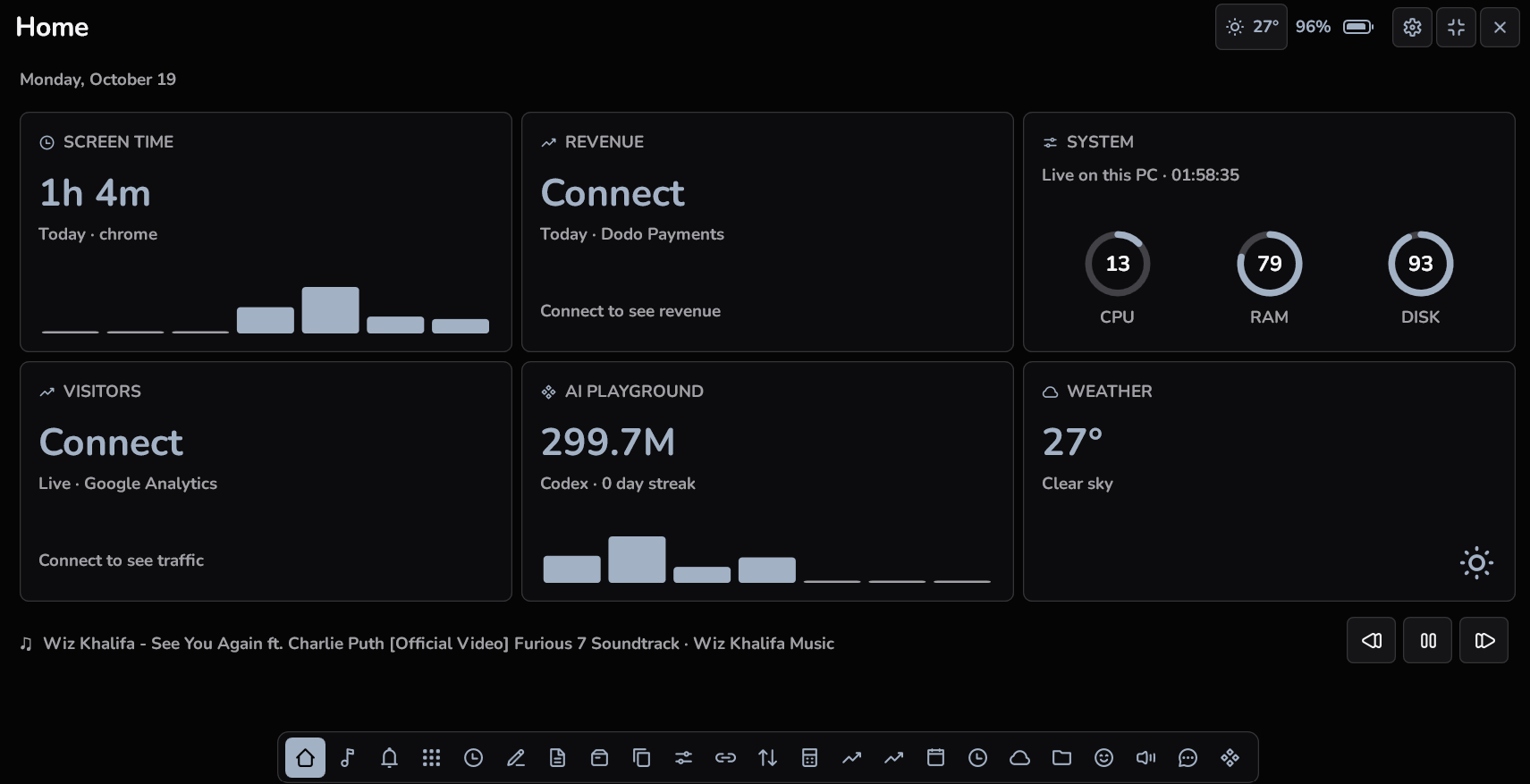
Click the orb to reach focus timers, notes, scratchpad, media controls, clipboard history and a file shelf. Add shortcuts for apps you use regularly. If you prefer, enable hover expansion in Settings. You decide which tools belong in your tray, so the panel can reflect the tasks you actually use.
Keep an activity visible when the panel closes
Use Show on orb for a supported timer, media session or AI usage provider. Your most recent selection takes the place of the previous activity. This gives you one reading to glance at, rather than a collection of competing overlays. Media and AI information depend on supported apps publishing the relevant data.
Choose a look that fits your desktop
Pick light or dark appearance, select an animated face, and adjust colours, fonts, orb size and panel opacity. Design styles include Minimalism, Bento and Flat. The face selector in the current direct edition is independent of your dashboard theme. These are appearance choices within the same app, with the same tools.
A FEW USEFUL ANSWERS
Before you try it.
Does Orby turn Windows into macOS?
No. Orby is a Windows productivity app with a compact expandable interface. It does not replace the Windows shell or run Mac apps.
Does the direct download mirror Windows notifications?
No. Notification mirroring is exclusive to the separate Microsoft Store edition, with Windows permission. Direct website and Gumroad downloads do not include it.
Where can I check compatibility?
Read the setup page before installing. Windows 11 x64 is recommended, there is no native ARM build, and internet access is required for activation and periodic checks.